Learning
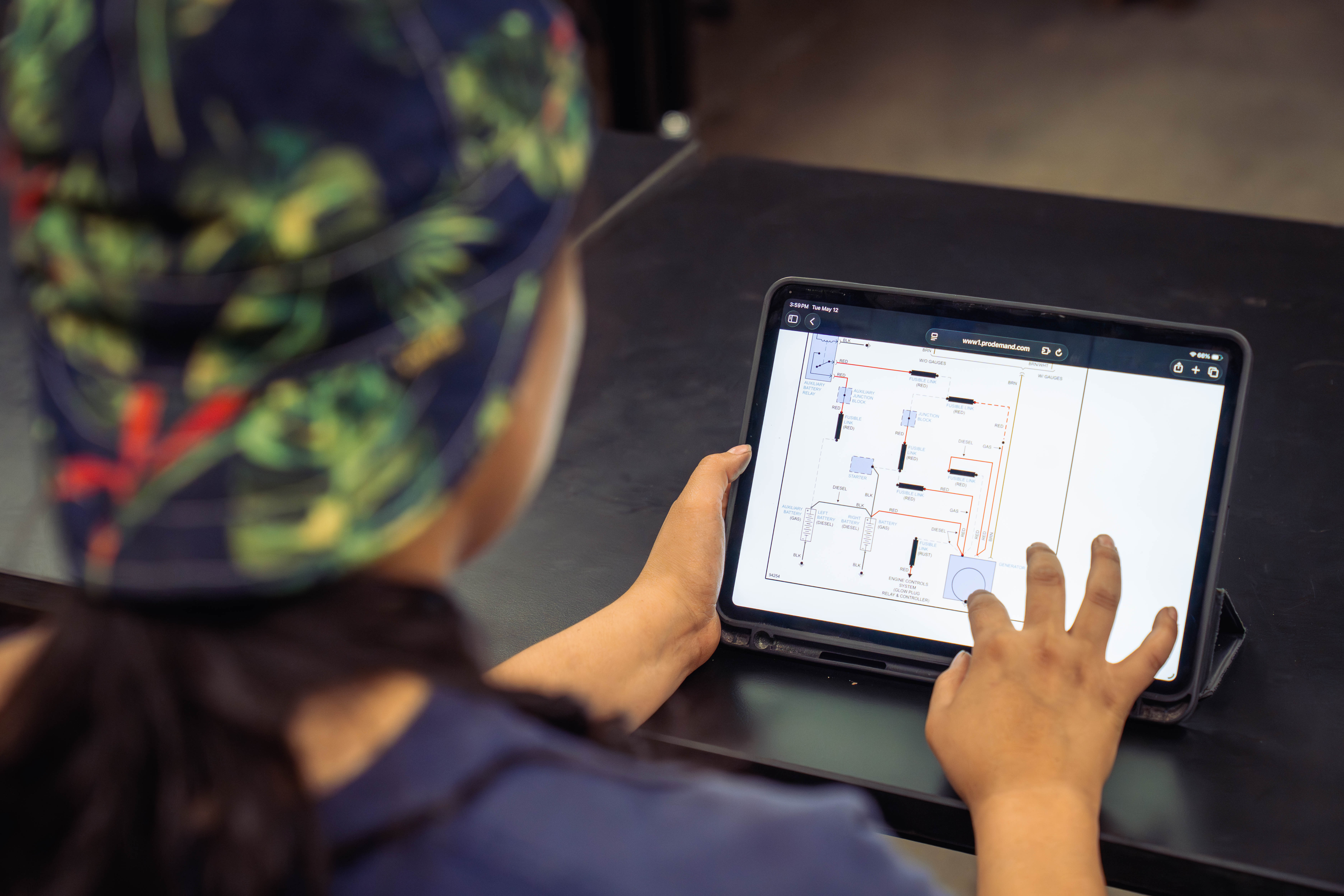
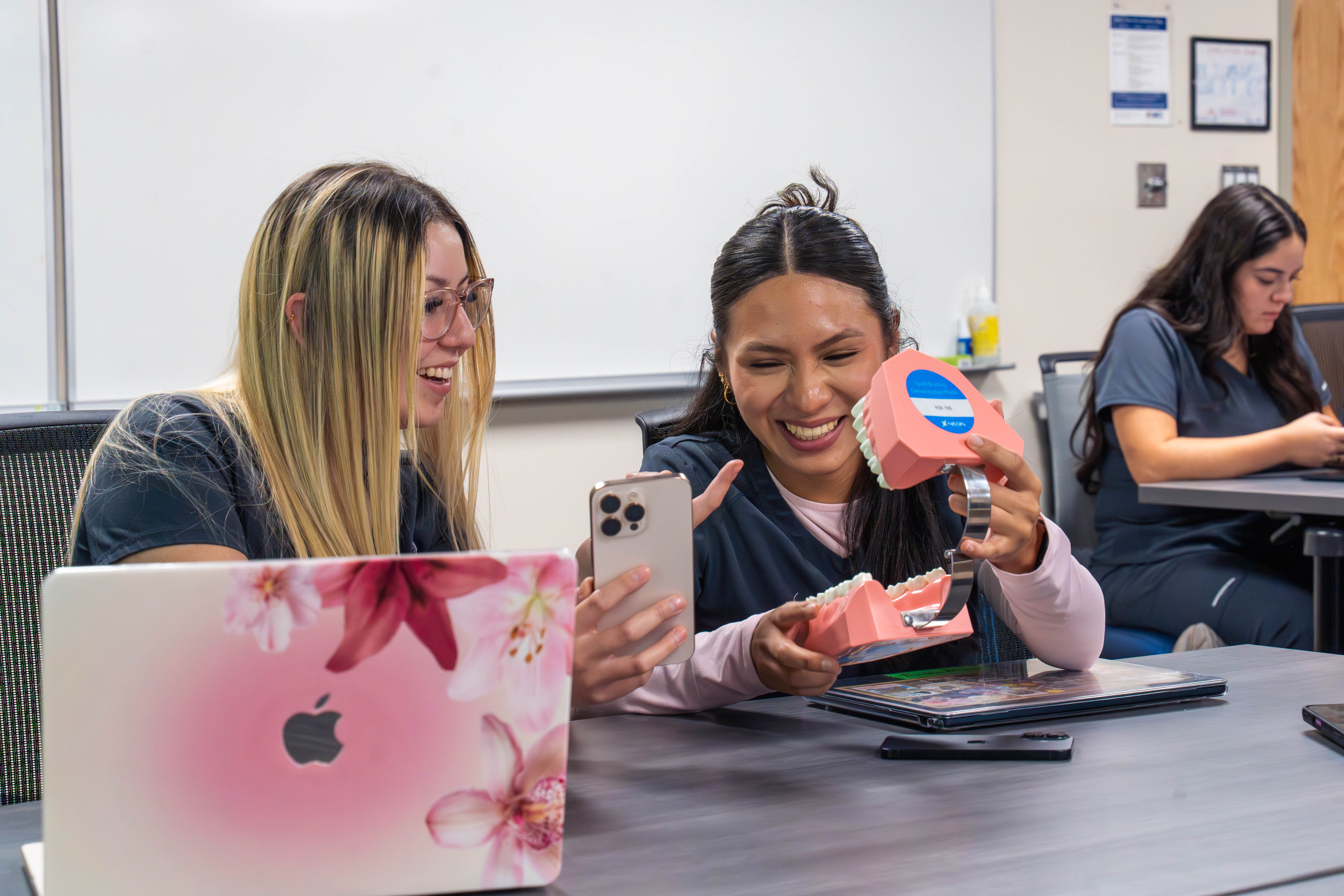
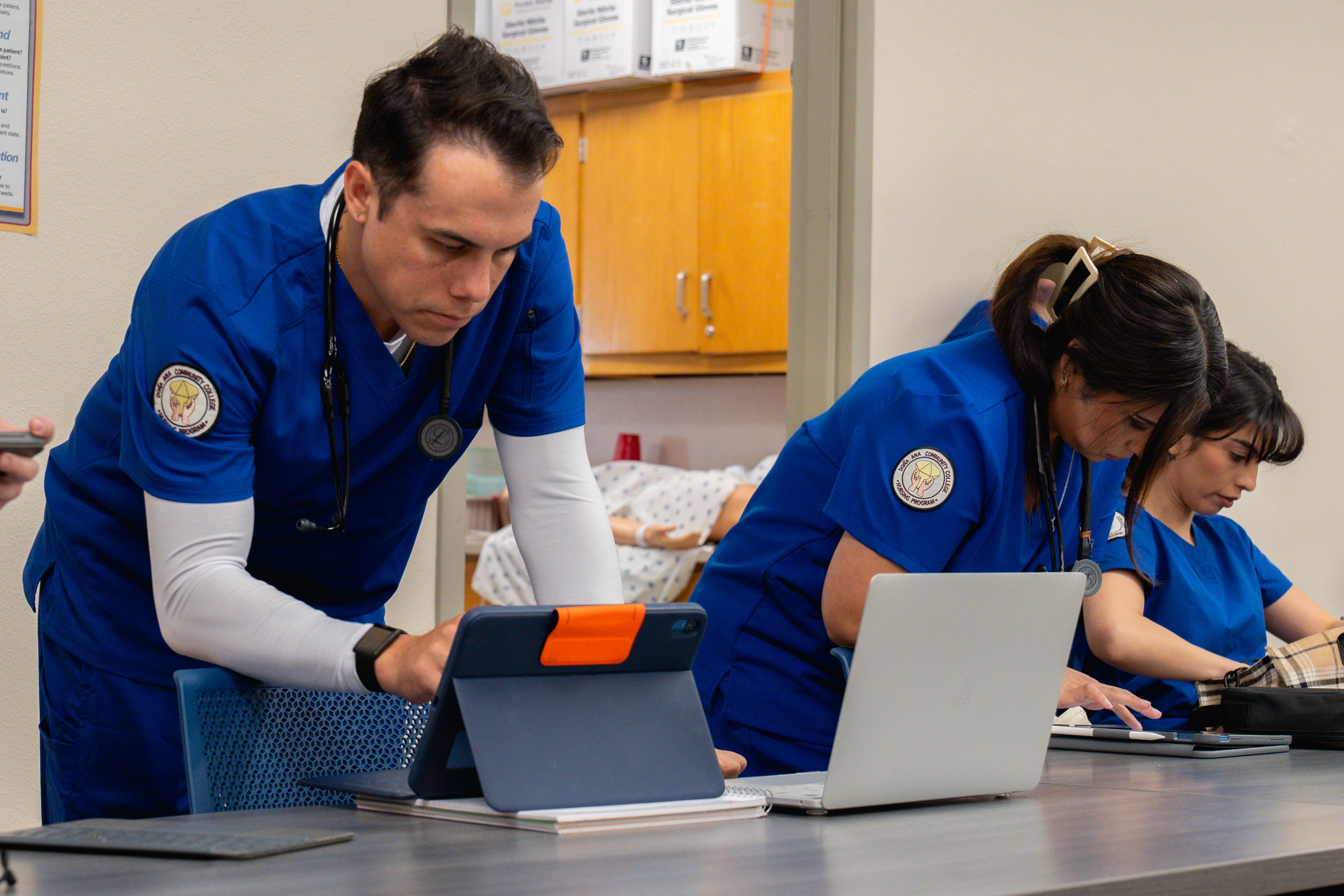
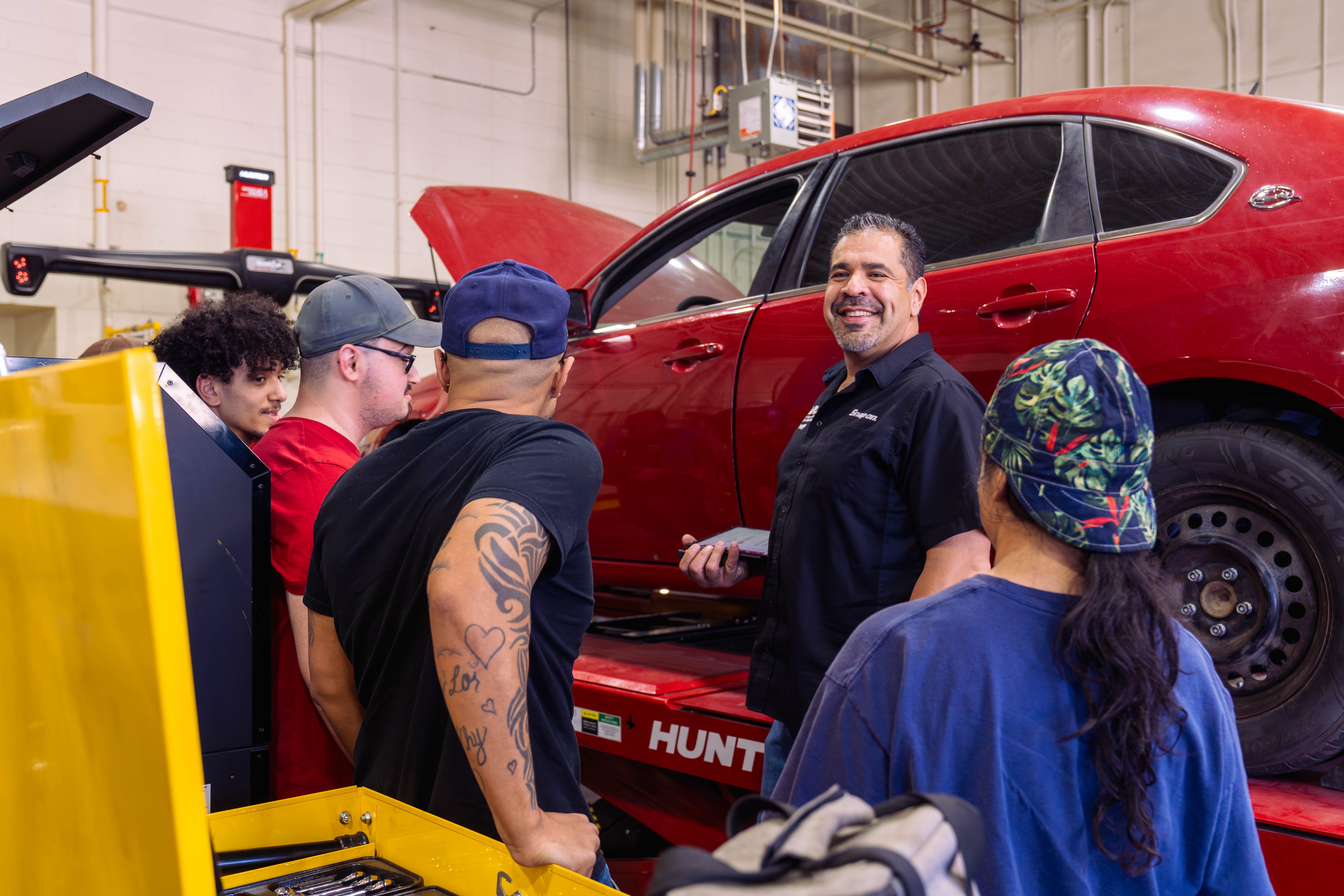
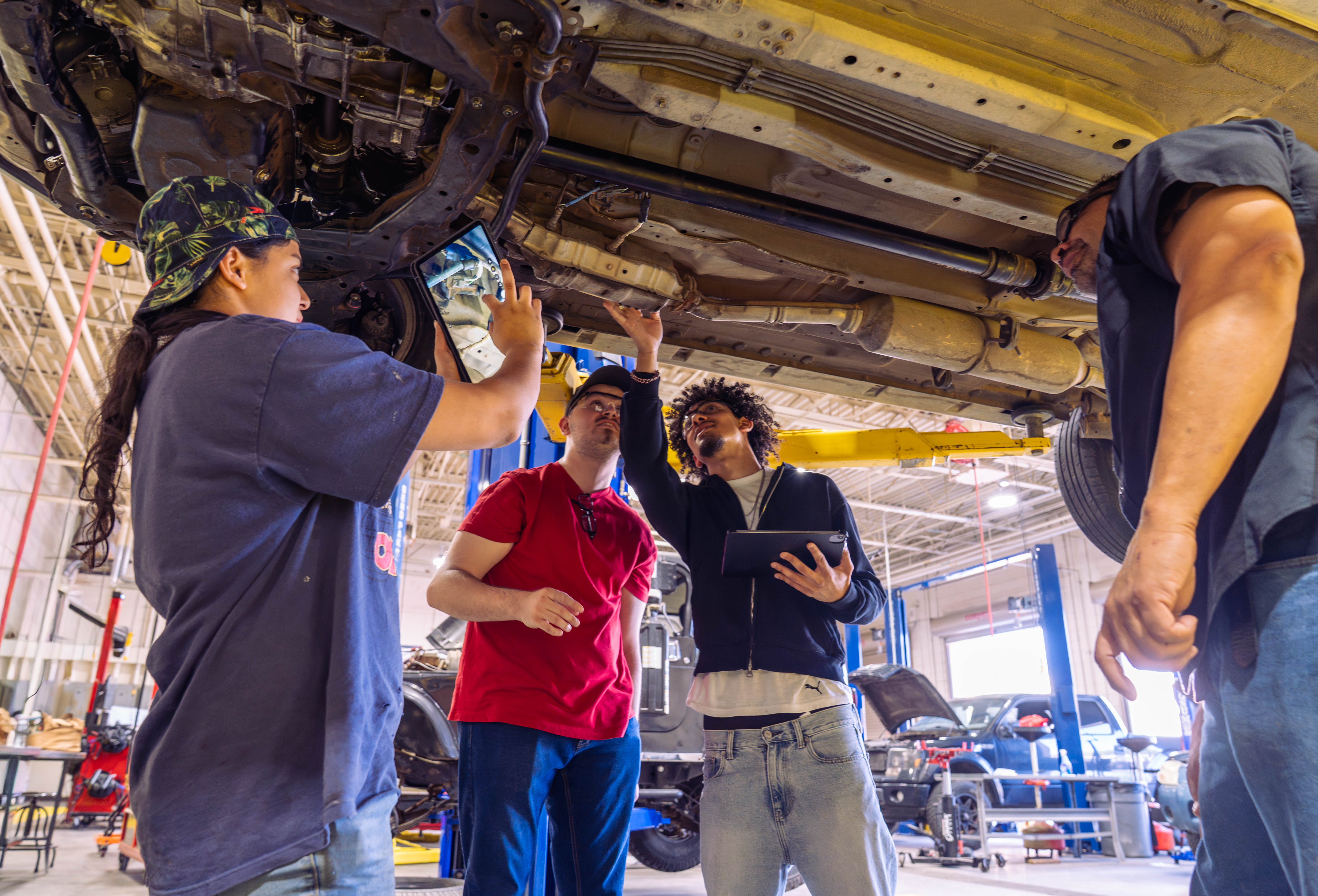
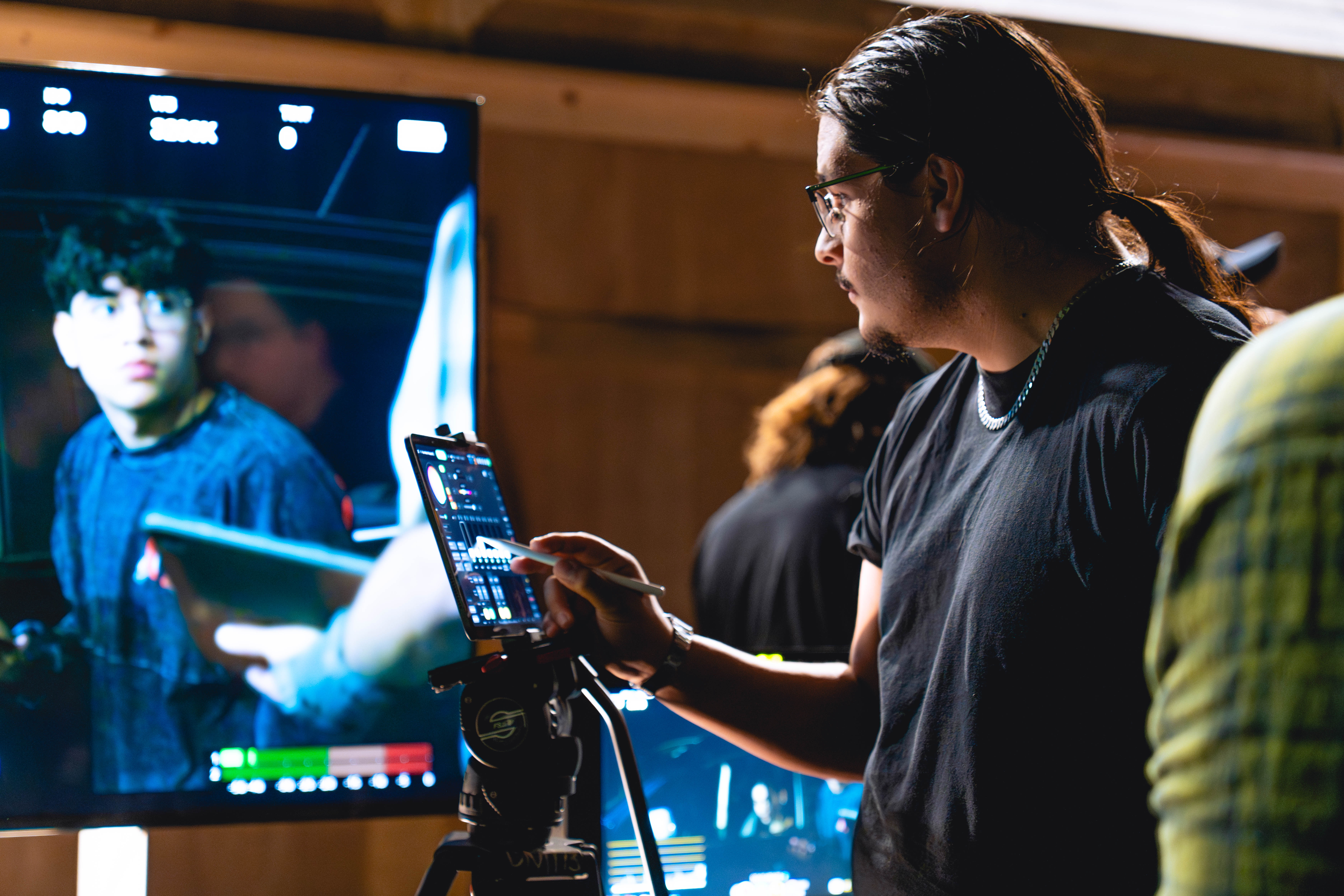
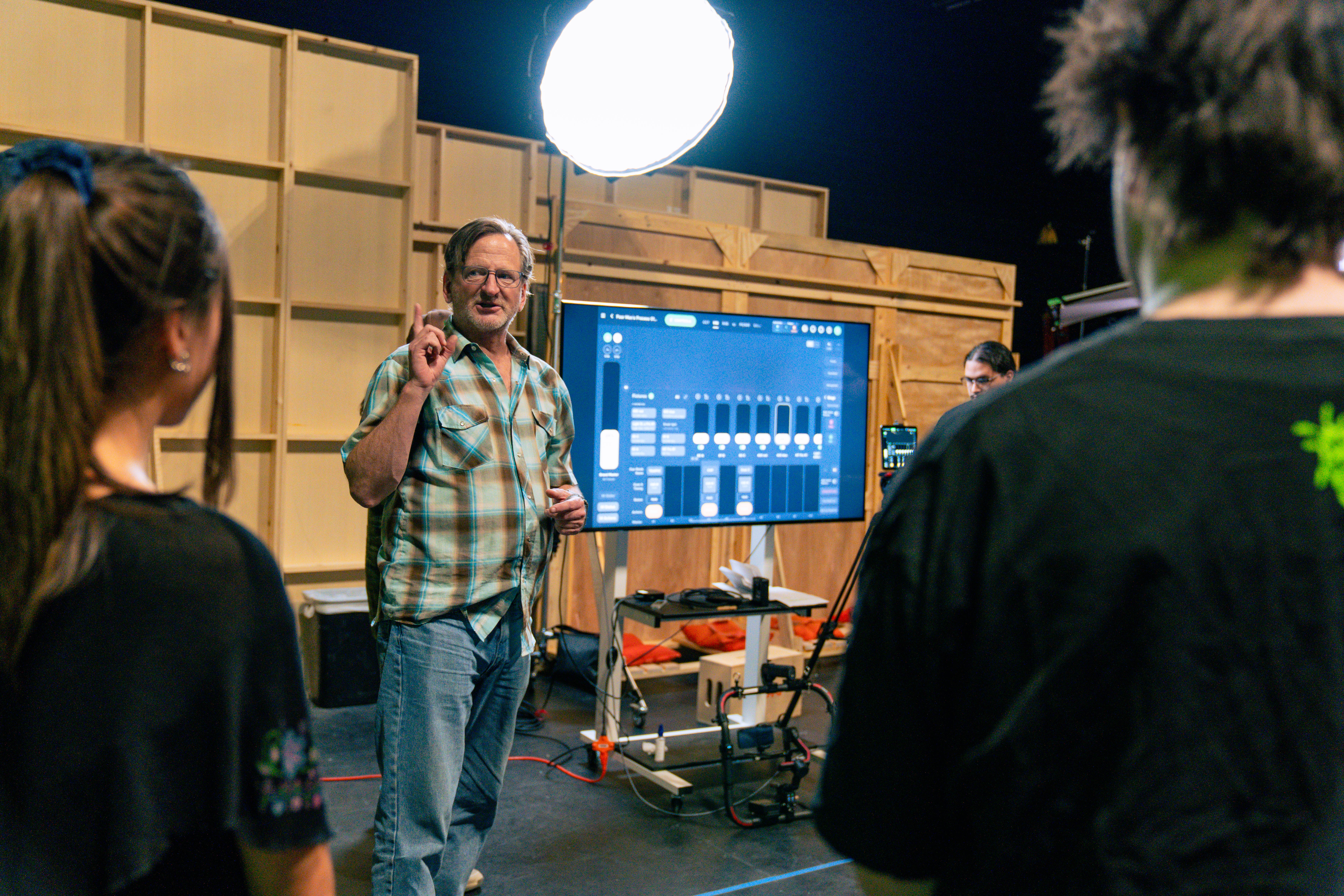
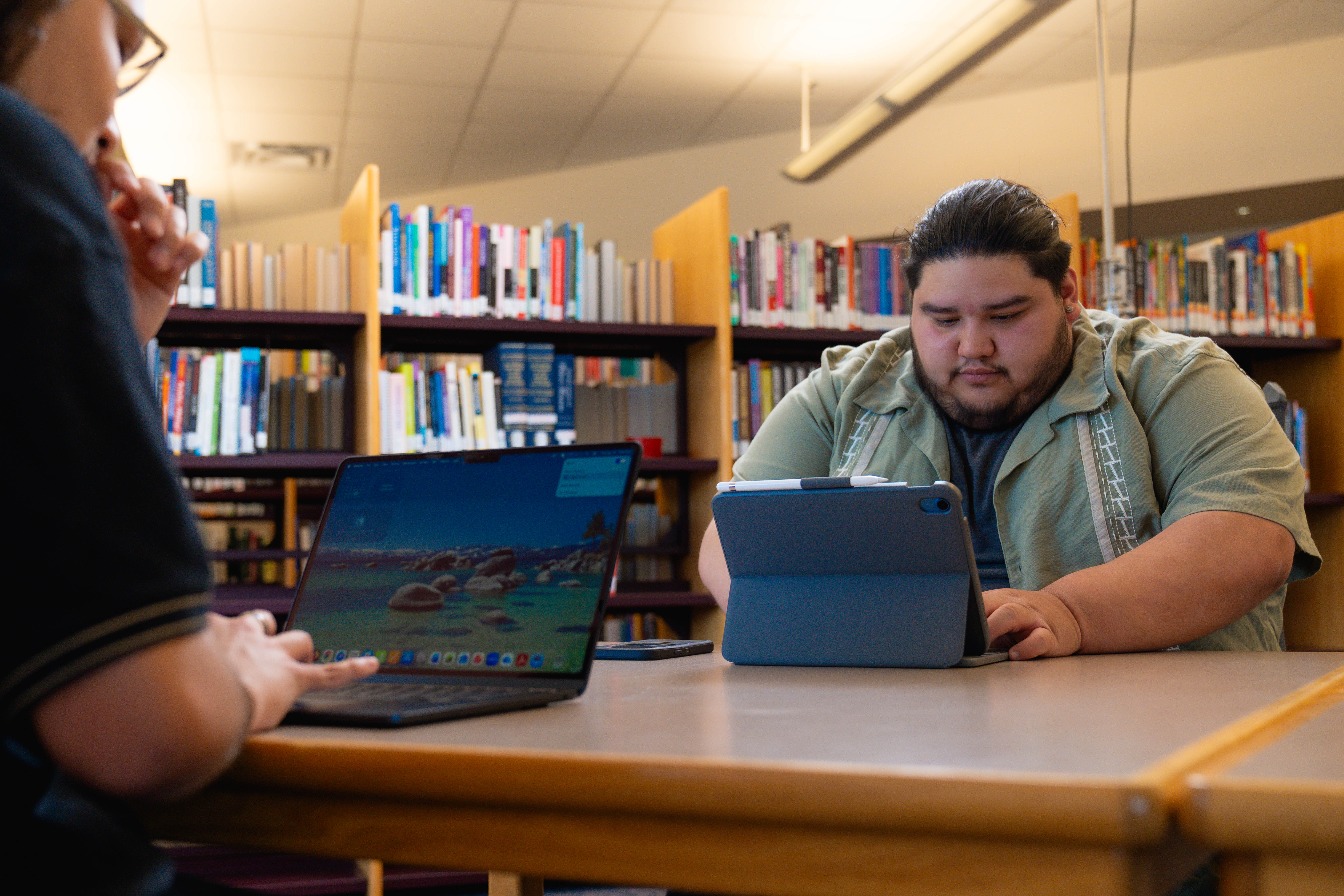
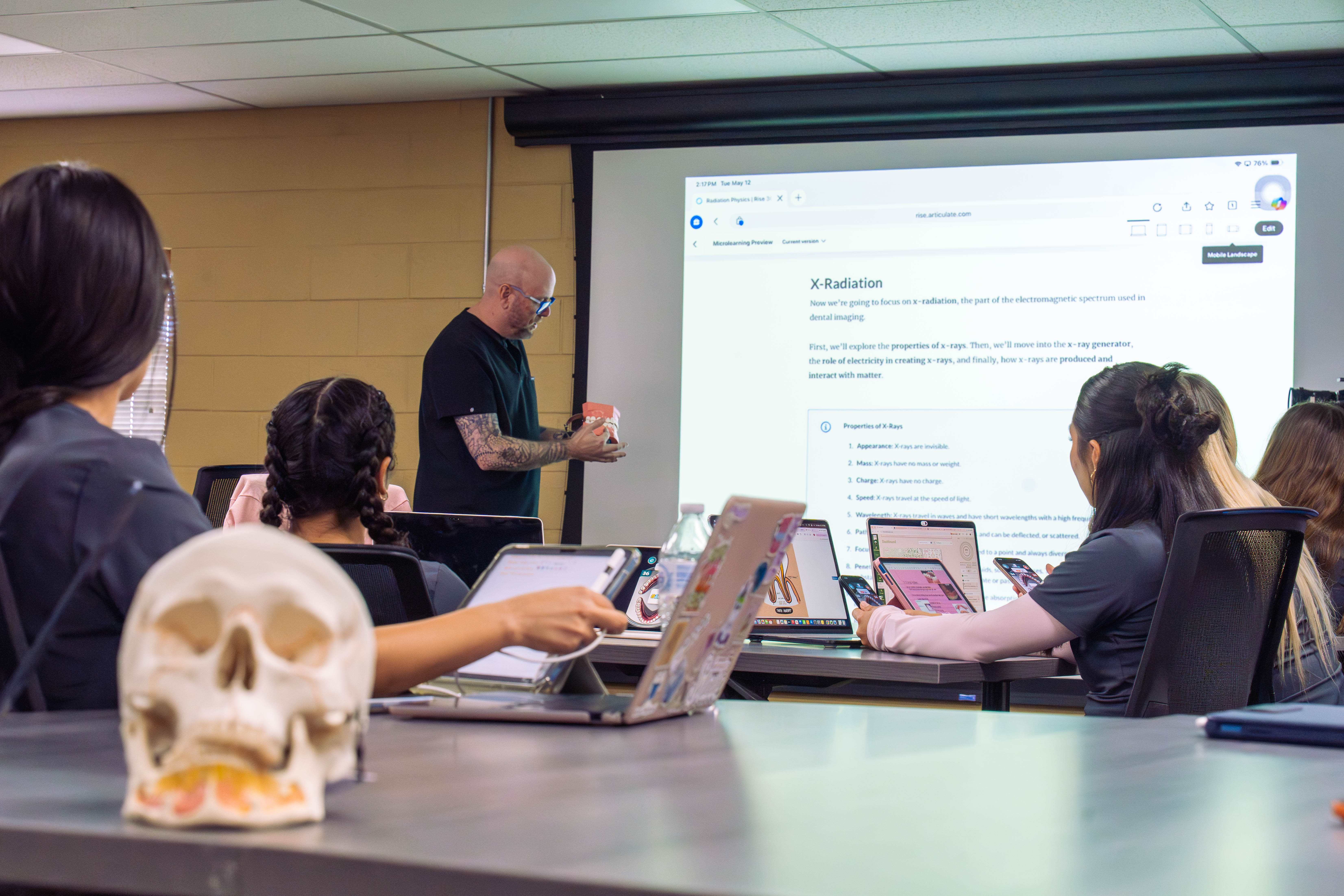
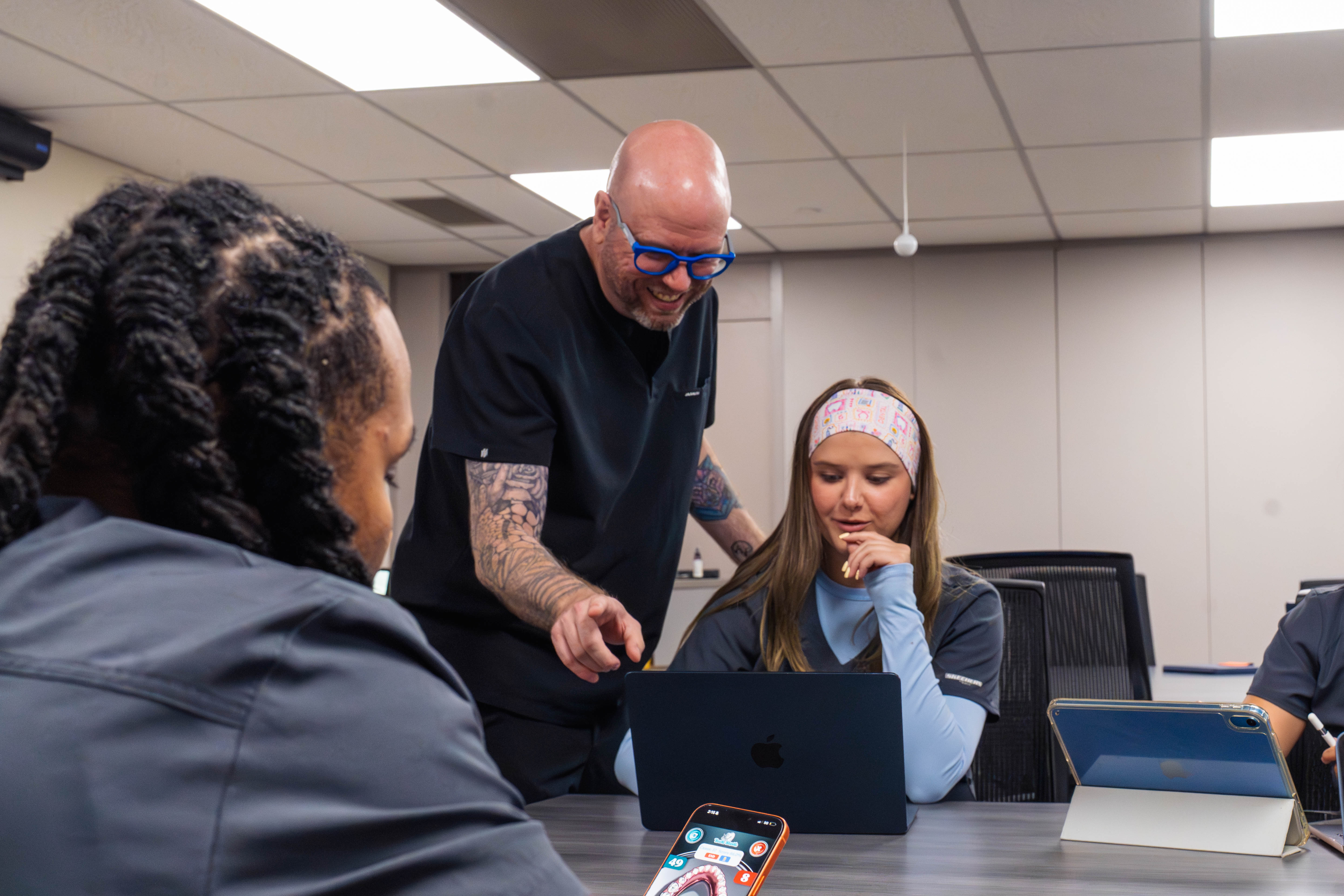
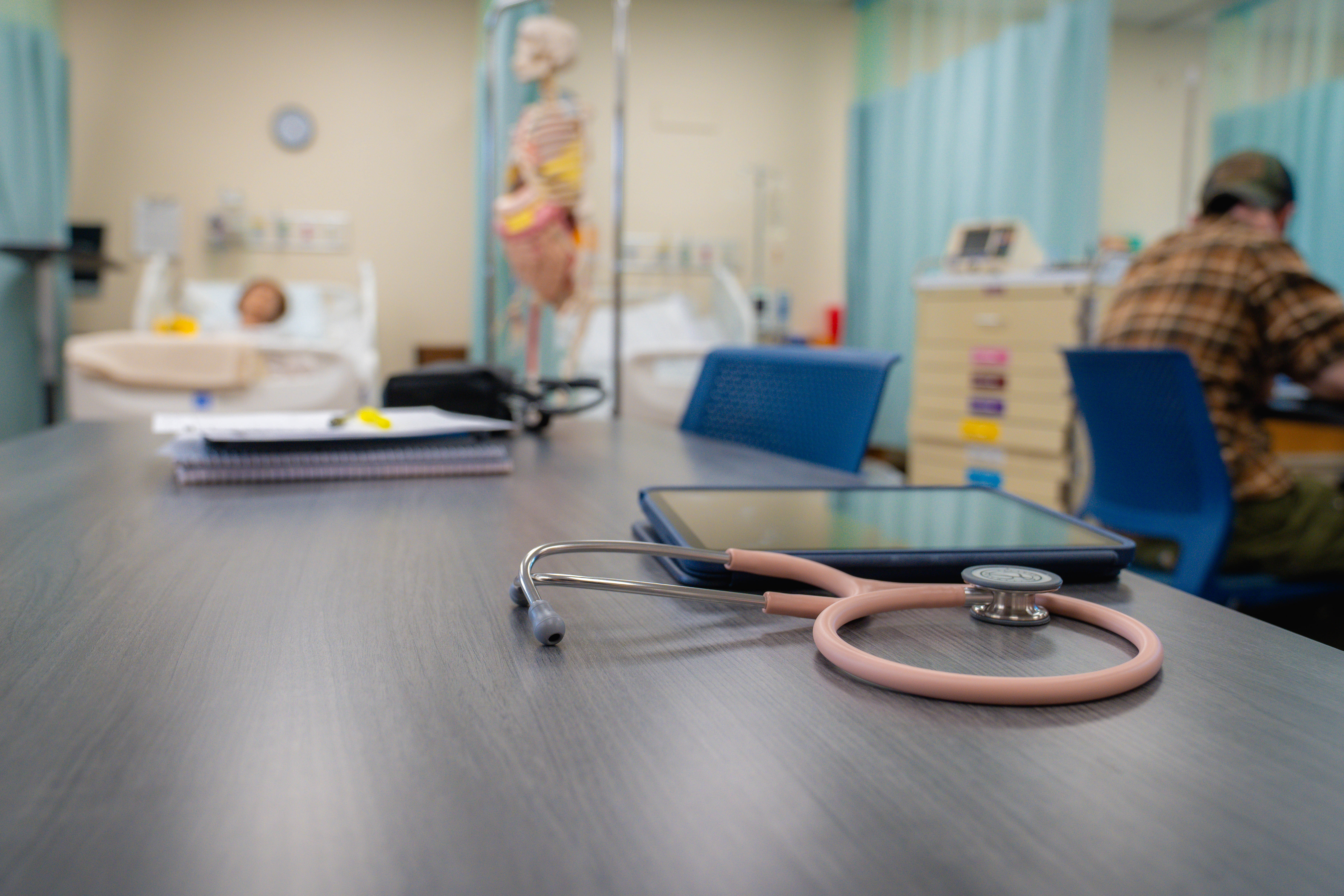
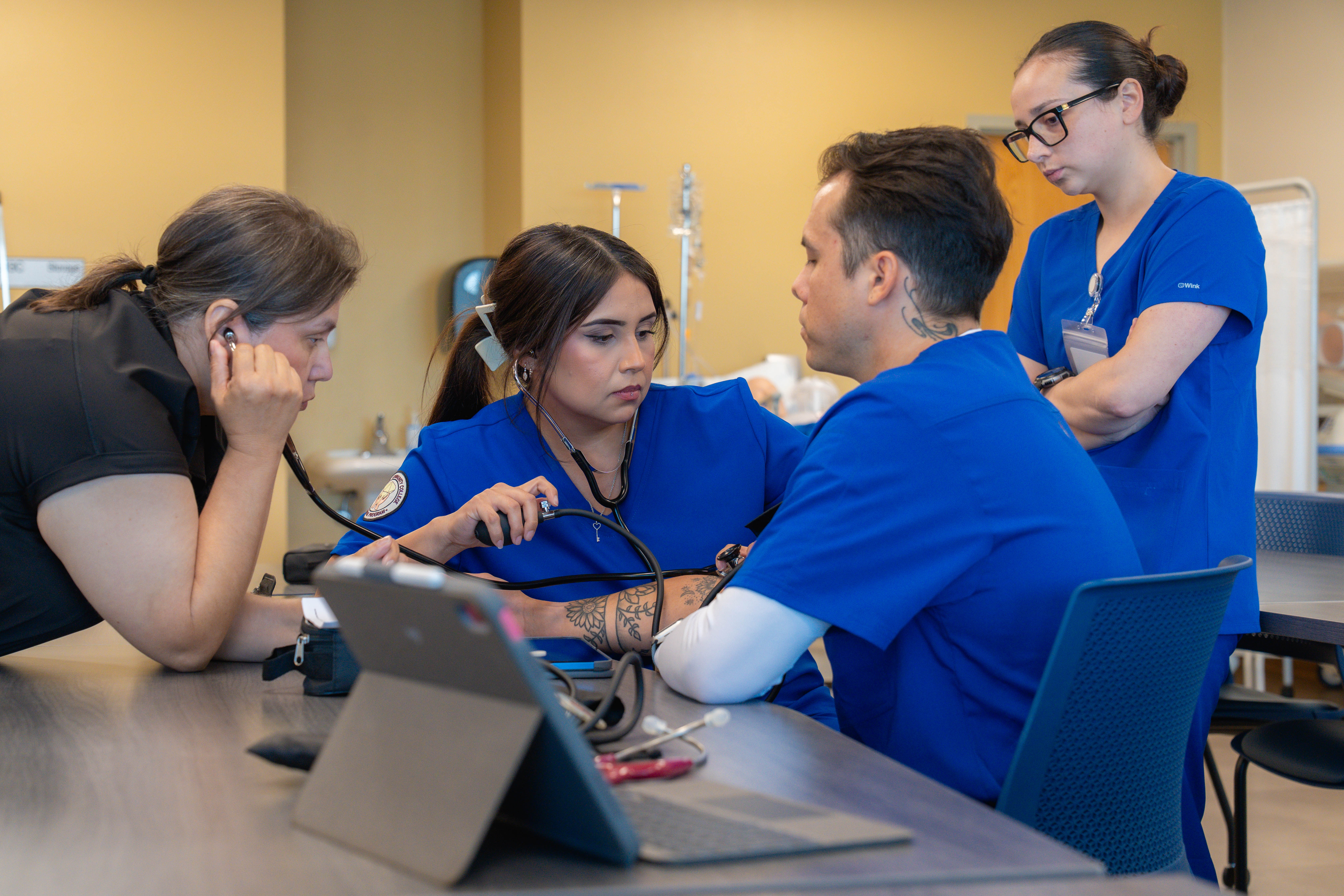
Across DACC, students and faculty have found their own ways to put Apple devices to work in real scenarios. In Dental Hygiene, faculty built an iOS app called Tooth Sleuth to help students learn tooth anatomy, turning one of the program’s hardest memorization tasks into a game students compete in. In Creative Media Technology, students shoot on an iPhone, control lighting from an iPad, and edit full productions in Apple ProRes on Mac Studio. This moves a project from a camera to a finished cut without leaving the ecosystem. In Nursing, students chart on iPads in the simulation lab the same way they will chart at the bedside, so the technology is second nature before they ever reach a real patient. In Automotive, where the whole program began, students pull up diagnostics, manuals, and instructional videos on iPads while they work, with the device sitting on the tool cart next to the wrench. Having the same ecosystem makes for easier use and more options. Accidentally forget your iPad at home? No problem, submit your assignment from your iPhone, saved to iCloud. A teacher forgets their MacBook; no worries, their iPad works fine too, and they will use an Apple TV to cast their lessons to the students. Using an ecosystem that’s intuitive, convenient, and works is a game-changer.