
Instructions
Step One: Create Account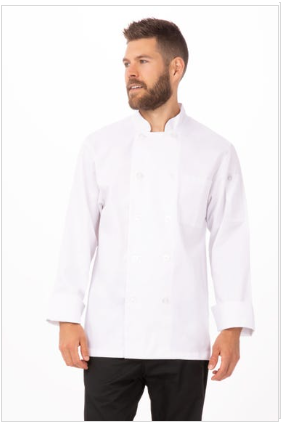

- Click on website link and register new account:
https://portals.chefworks.com/customer/account/create/code/donaana
Step Two: Register
- Enter your first and last name
- Enter your email address
- Enter Company Property Code: dona
- Type in your personalized password
- Confirm your selected password
- Select “Create an Account”
- After your account has been created, you can log back in at the bottom of the page by clicking “Login” with the property code dona + email address + password
Step Three: Start Shopping
- Select the Uniforms tab to see all items.
- Once the item has been selected, select the color, quantity, and size.
- Coats have logo and name embroidery:
- Once the coat, size, and quantity have been selected, you will be directed to confirm embroidery details.
- Type in your first and last name in the text box, thread color, font style, and placement are already selected.
- Logos are already selected
- Once completed, select “ADD TO CART”
Step Four: Check Out
- If all items are added, select the shopping cart to begin to check out
- Type in billing and shipping information
- Review Shopping Cart and select Checkout
- Select desired Shipping Method
- Select CREDIT CARD as payment type and add details
- Please note once an order is submitted NO changes can be made. Orders are processed automatically.
Contact Sales Support at 858-842-6538 or with any questions or concerns